
EZFolderPin · Practical guides
One-Time Purchase vs Subscription Mac Utilities: Why Local-First Matters
A practical checklist for Mac utilities: recurring services, offline use, folder permissions, telemetry, accounts and one-time ownership, with EZFolderPin as an example.
EZFolderPin 1.5.0 · macOS 14 or later
Before paying for a Mac utility, ask what you will use repeatedly and what the developer needs to run on your behalf. A hosted service and a folder shortcut tool have different ongoing needs. The payment model is one part of that decision, alongside permissions, privacy and access to your files.
This guide is written by CleverFern, the developer of EZFolderPin, and uses our app as a concrete example. As of November 25, 2026, EZFolderPin 1.4.0 is live on the Mac App Store. The images show this released version.
Match the payment model to the service you need
| Question | A subscription can make sense when | A local-first one-time tool can fit when |
|---|---|---|
| What needs to run? | Hosted sync, shared workspaces or server-side processing are essential. | The everyday task can run on your Mac. |
| What needs an account? | Identity and access management enable collaboration. | Settings and personal shortcuts can stay on one machine. |
| What happens offline? | Some useful work remains available, but hosted features need a connection. | The core task uses local data and does not depend on a developer-operated service. |
| What are you paying for? | Check the recurring service, renewal terms and export options. | Check the included features, purchase restoration and any separate upgrade terms. |
Subscriptions can fund useful recurring services and continued development. A one-time purchase can also suit a focused desktop task. Neither label guarantees quality or privacy: evaluate what the specific app does and what its terms include.
Check what stays on your Mac
- Core task: can you perform it without signing in to an app account or reaching the developer’s servers?
- Data: where are settings and working data stored, and can you still use your original files without the app?
- Telemetry: does the privacy policy describe analytics, diagnostics and optional submissions clearly?
- Network dependencies: distinguish local work from cloud files, purchase validation and downloads.
- Permissions: does requested access match the app’s job? A file editor and a folder launcher need different capabilities.
Local-first does not mean every operation is offline. A bookmark to a cloud-only folder may still require its storage provider, and restoring a Mac App Store purchase uses Apple’s services. Check these dependencies separately from the app’s core workflow.
Use folder permissions as a concrete privacy check
EZFolderPin saves bookmarks and preferences locally and uses read-only App Sandbox access to folders you choose. It opens those locations in Finder; it does not move, modify or delete your files. That scope fits a folder launcher. An editor that needs to save changes may reasonably request read-write access.
Read-only access limits modification; it does not mean an app cannot read the selected content. Apple documents the distinction in its user-selected read-only entitlement. Pair the permission check with the app’s own privacy policy.
The EZFolderPin app has zero telemetry and no app accounts. It does not require Accessibility permission or Full Disk Access. Mac App Store purchases use your Apple Account. This website has a separate analytics disclosure, so the app’s no-telemetry statement should not be read as a claim about every web page. EZFolderPin privacy policy, website privacy notice
Read the purchase and trial terms before deciding
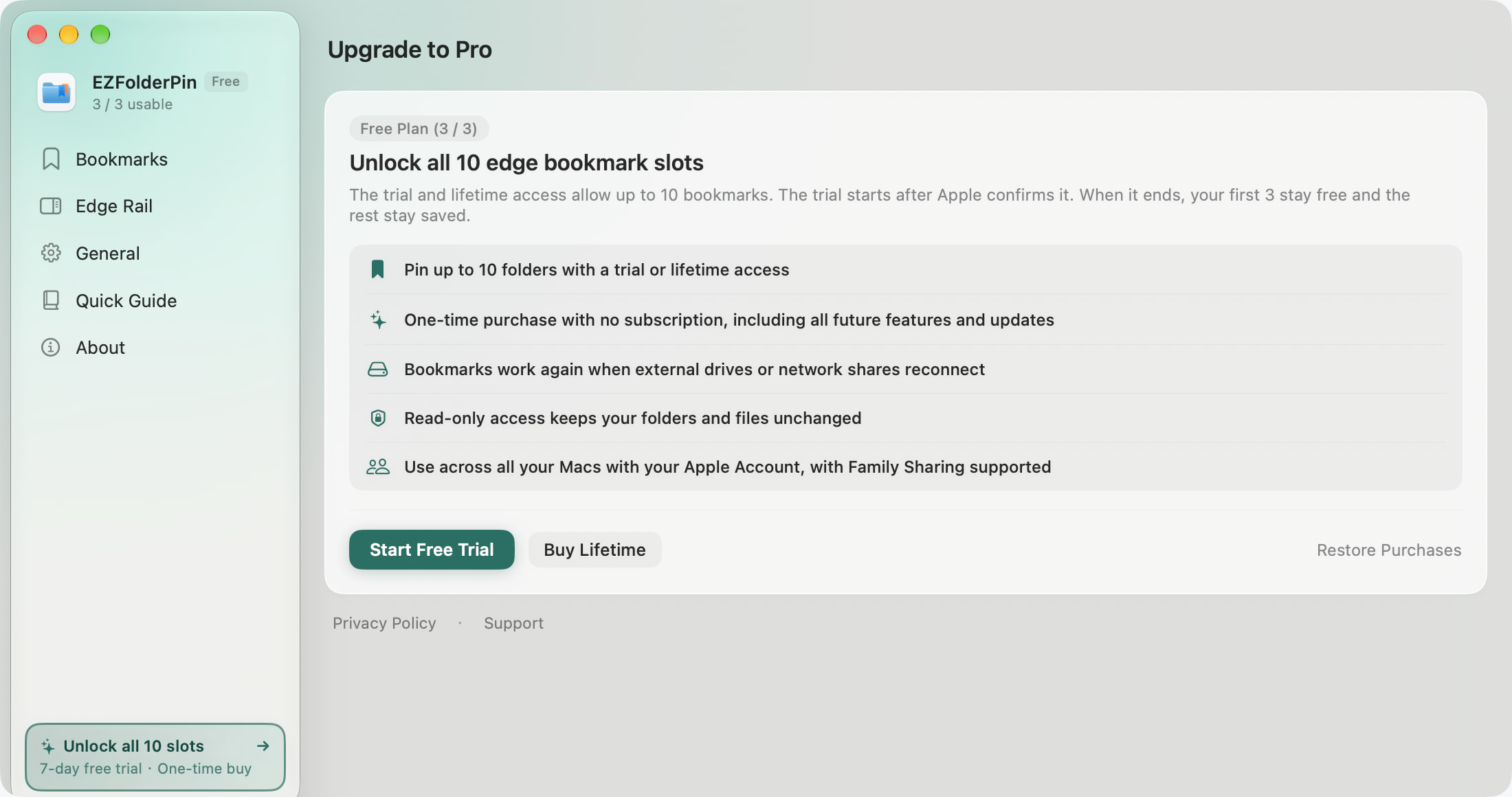
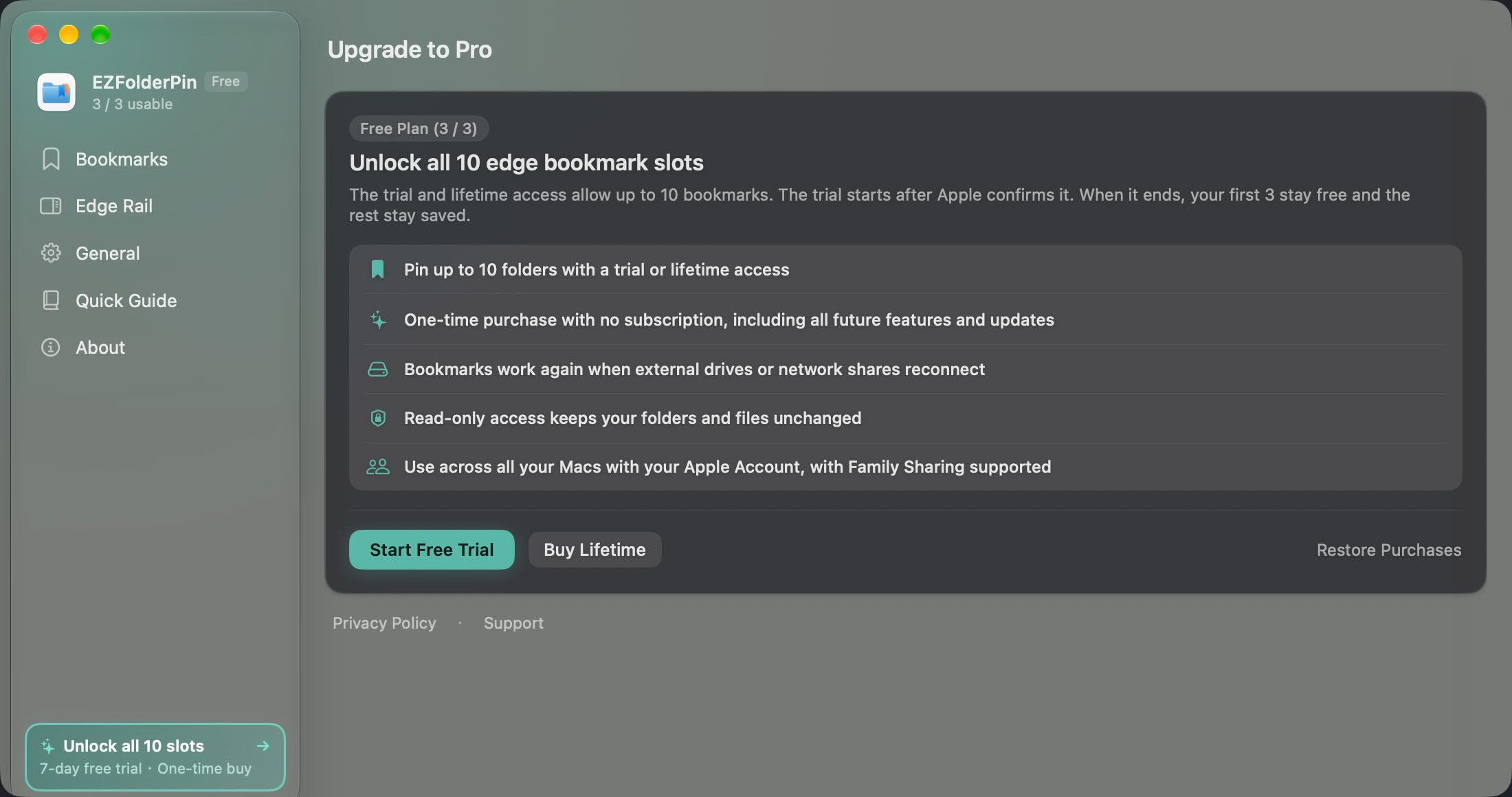
EZFolderPin offers 3 bookmarks free forever, an optional 7-day non-renewing trial, and a one-time lifetime unlock for up to 10 bookmarks. The trial does not automatically charge or renew. The lifetime unlock has no subscription, supports Family Sharing and includes current and future EZFolderPin features. The Mac App Store shows your local price.
- Start with the free allowance and check whether the task is useful before starting a trial.
- For a trial, check its length and whether it renews or charges automatically.
- For a purchase, check the feature limit, future upgrade terms, Family Sharing and restoration process.
- Check what happens when a trial ends. EZFolderPin keeps extra bookmarks saved while the first three remain usable.
Choose on the basis of a normal working task
For a folder utility, choose three existing directories and open them during a normal work session. Compare that with Finder Sidebar, Dock folders and Spotlight. If the built-in options cover the task, there is no need to add a paid utility.
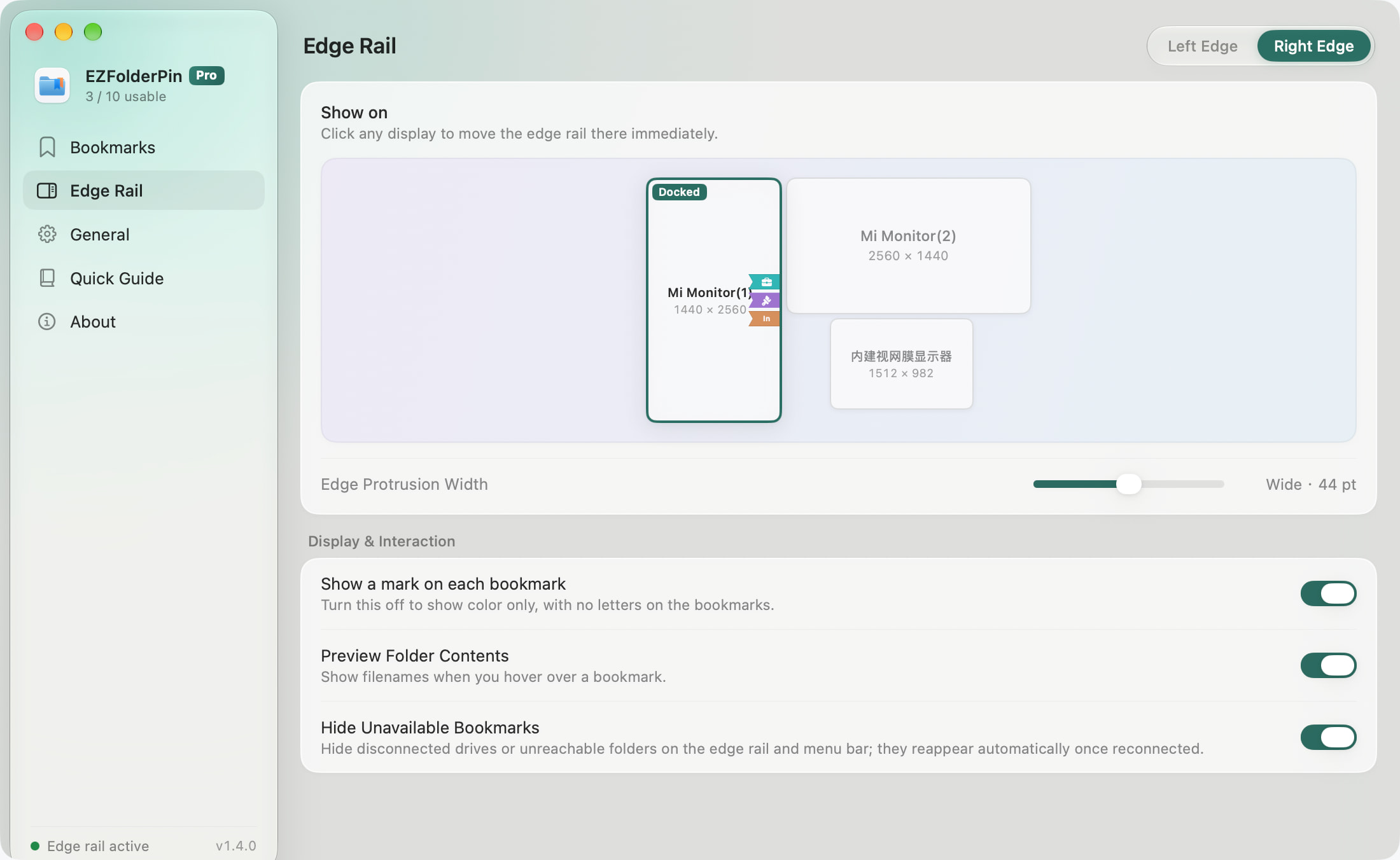
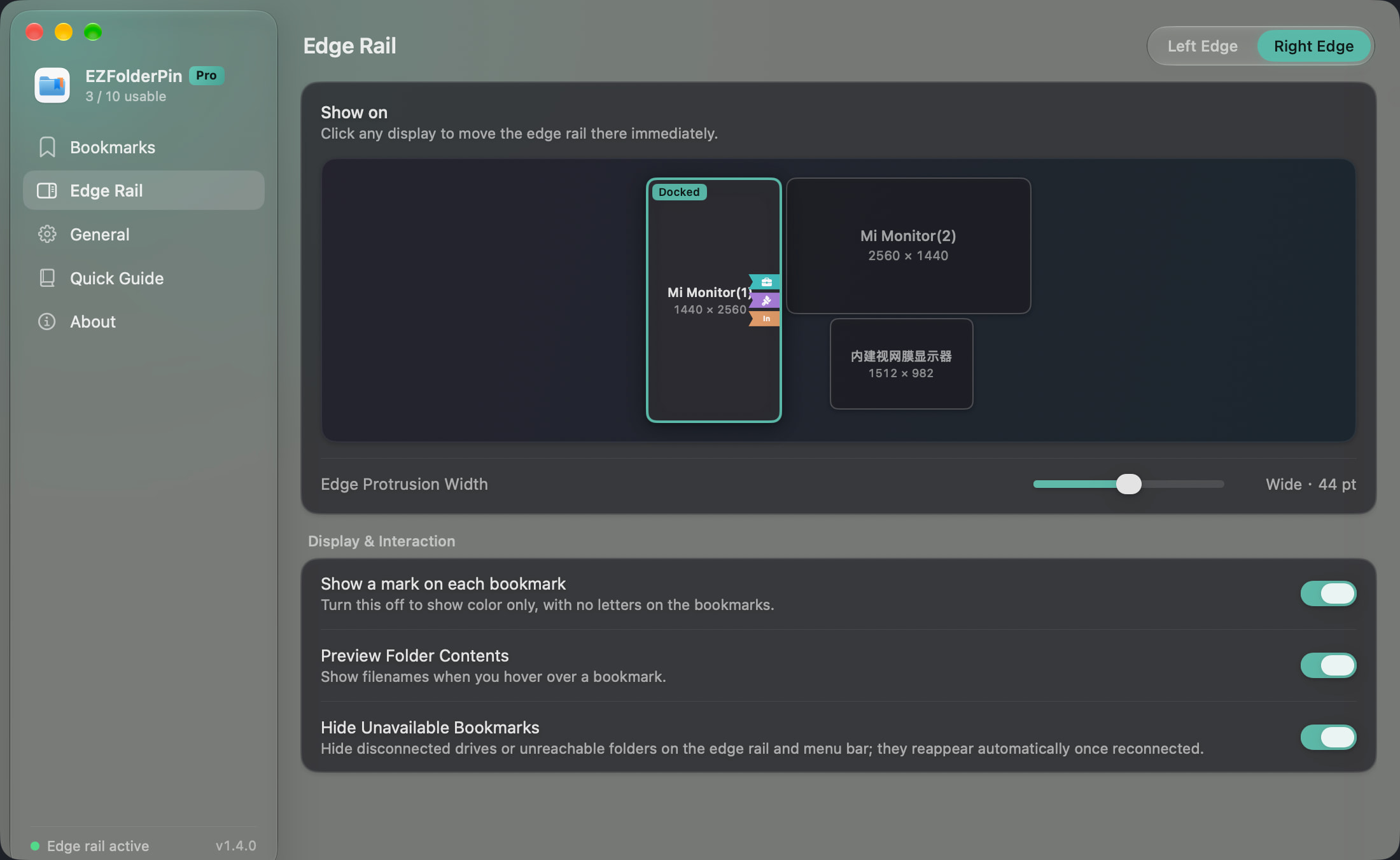
If separate edge bookmarks help, check their placement on your own screen. The following EZFolderPin 1.4.0 screenshot shows display preferences in the unified Liquid Glass workbench. Menu bar capsules, global shortcuts and hover previews of up to 8 recent items are also available in the current Mac App Store download.
View EZFolderPin in the Mac App Store. For a workflow comparison before choosing, read Finder Sidebar, Dock and screen-edge bookmarks.