
Select your iPhone
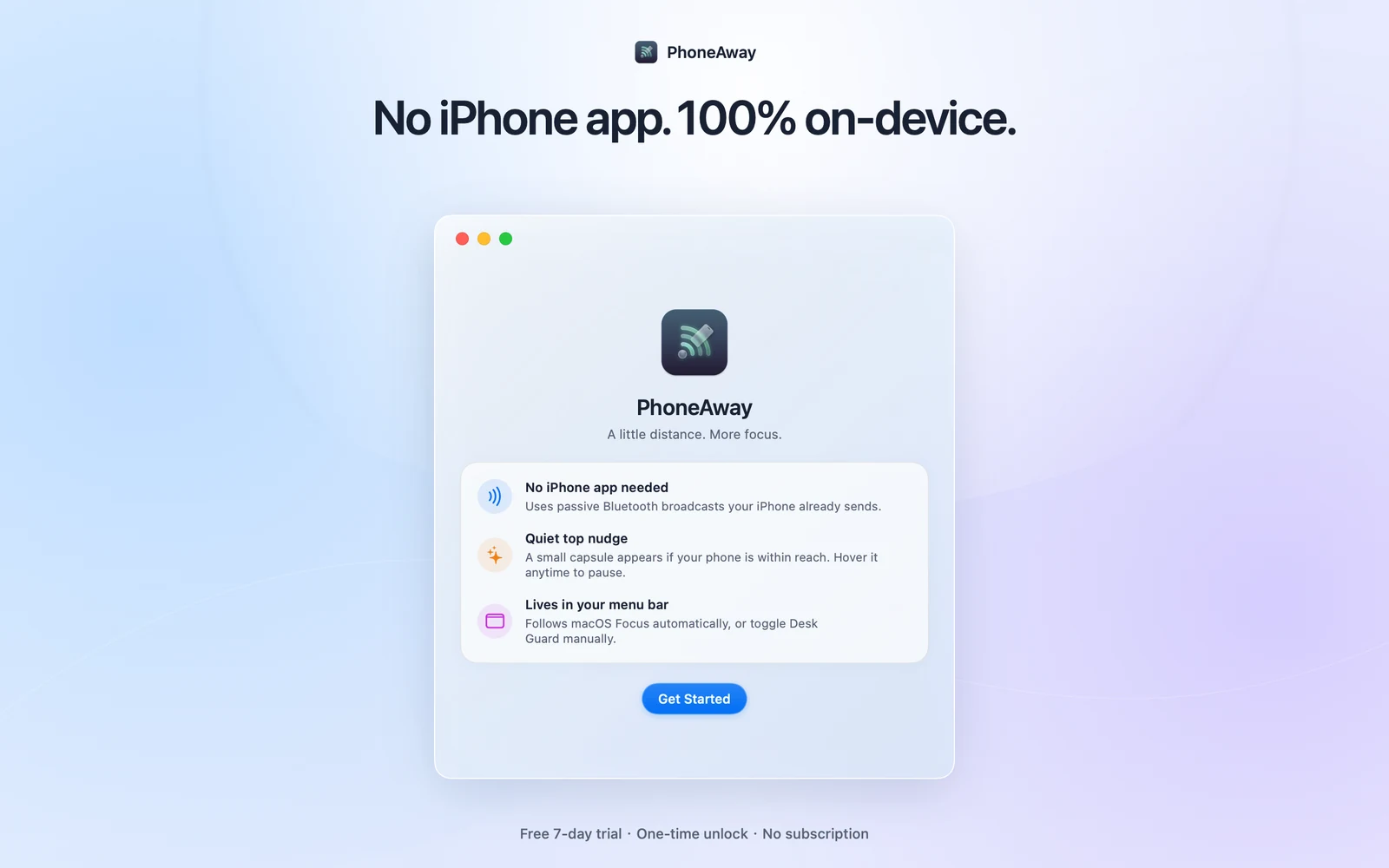
Allow Bluetooth, wake your iPhone’s screen, and choose the signal that moves with your phone. No pairing, connection, or iOS companion app.
 PhoneAway: Desk Focus Guard
Keep your iPhone out of reach while you work. PhoneAway lives in your Mac’s menu bar and offers a quiet nudge when your phone comes back to your desk.
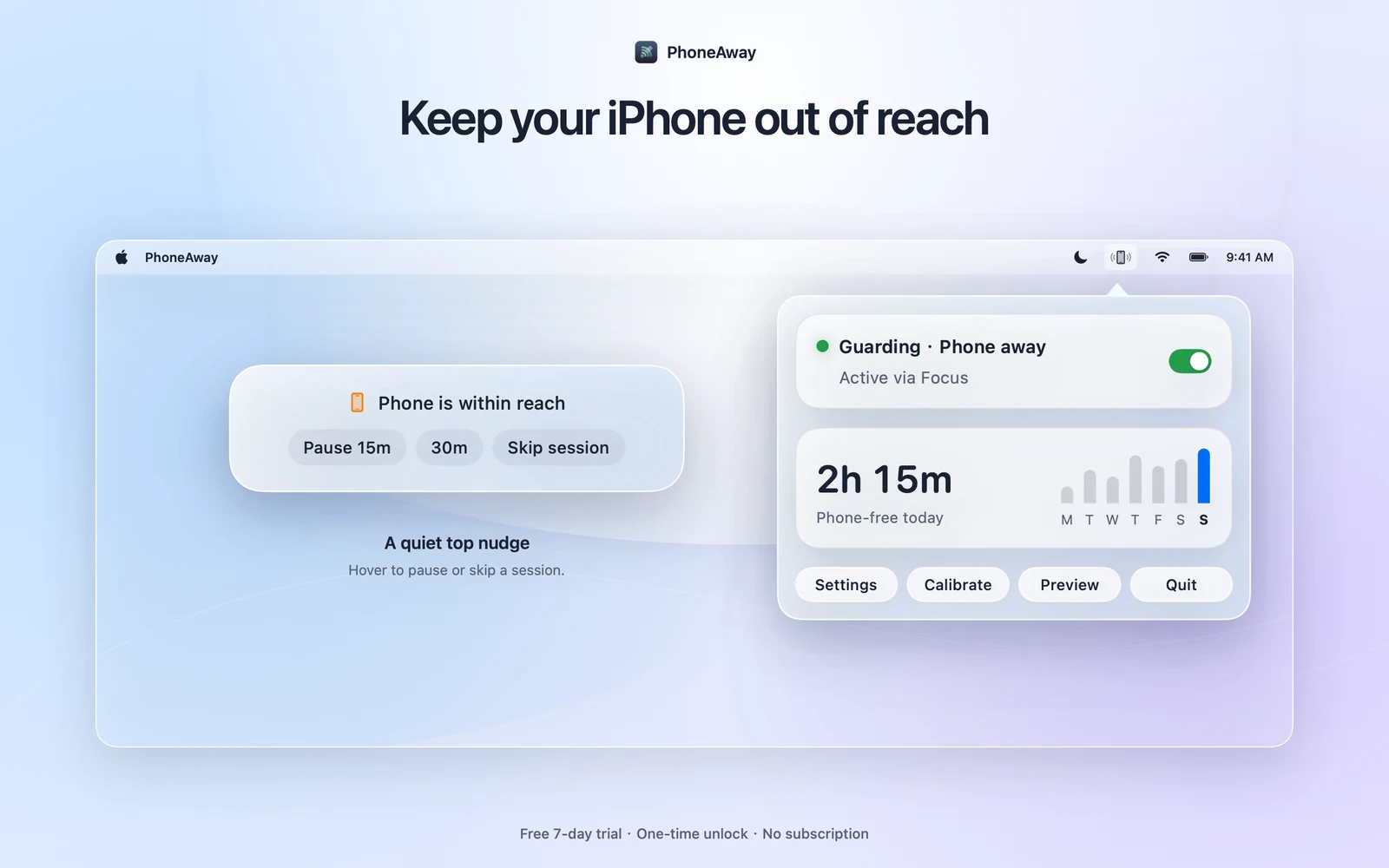
Allow Bluetooth, wake your iPhone’s screen, and choose the signal that moves with your phone. No pairing, connection, or iOS companion app.
Sample Near for 5 seconds on your desk, then Far for 5 seconds out of arm’s reach. That is 10 seconds of sampling; discovery may take longer.
After starting the free 7-day Trial or unlocking PhoneAway Full, turn on Desk Guard manually. Optionally add PhoneAway Guard to a macOS Focus.
Near and Far samples teach PhoneAway your desk’s Bluetooth signal range. RSSI is an estimate, not a precise measurement of distance. Walls, other devices, and gaps in iPhone broadcasts can affect detection.
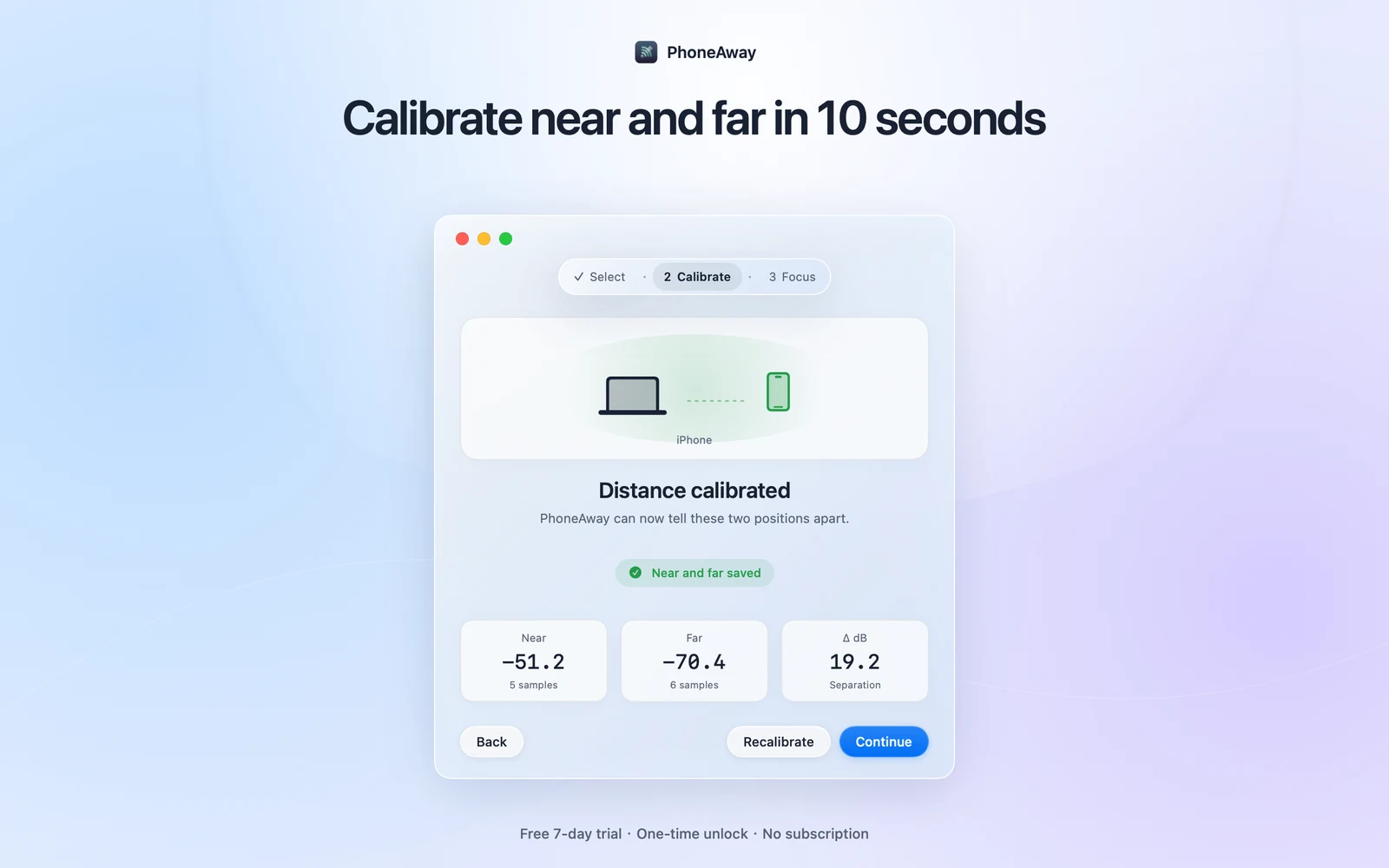
A floating Liquid Glass reminder capsule sits at the top of your screen when your phone is near. Hover to Pause 15m, pause for 30m, or Skip session. Start Desk Guard yourself, or let the optional PhoneAway Guard Focus Filter enable it.
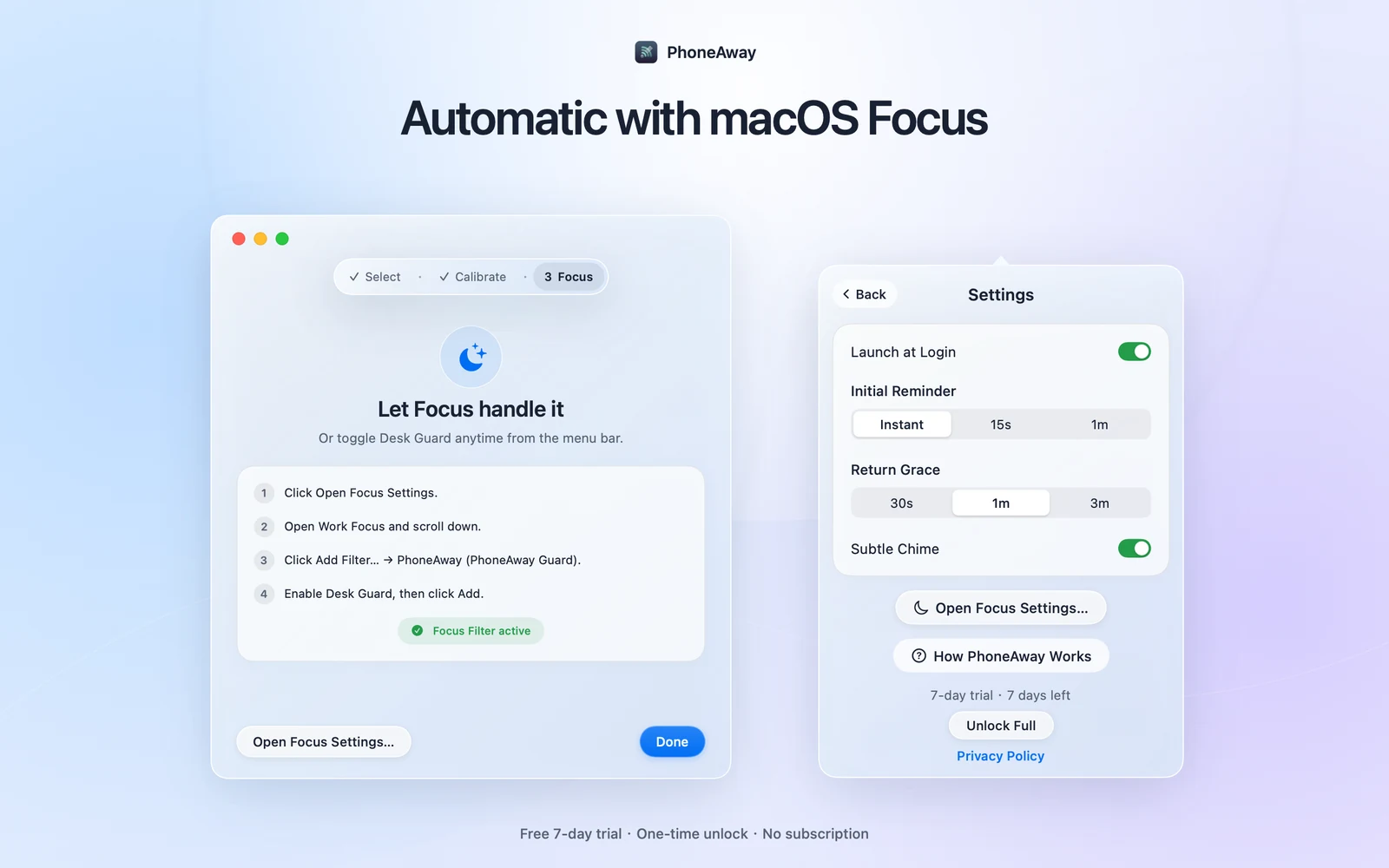
See today’s estimated phone-free time and the past seven days in the menu bar. Four small settings keep it personal: Launch at Login, Initial Reminder delay, Return Grace, and Subtle Chime.
Planned release pricing: a free download. Setup, calibration, Preview, Settings, and saved history are free, so you can check Bluetooth compatibility before starting a trial or paying.
When you are ready, start the free 7-day Trial through Apple. This free non-consumable purchase gives you full Desk Guard for 7 days from the original verified purchase date. It does not auto-renew and never charges you automatically.
After 7 days, Desk Guard pauses until you choose PhoneAway Full: a one-time US $6.99 purchase for permanent access, with Family Sharing enabled. There is no subscription. Setup, Preview, Settings, and saved history remain available.
The app shows Apple’s localized price before purchase; prices may vary by storefront. Restore Purchases uses Apple StoreKit and does not restart the trial. Apple handles purchases and refunds under App Store policy.
PhoneAway passively observes Bluetooth Low Energy broadcasts and their RSSI signal strength on your Mac. It cannot read messages, notifications, or phone activity. Calibration, settings, and seven-day history stay on your Mac. No accounts, analytics, ads, third-party SDKs, or developer cloud servers.
Read the full privacy policyThese pages introduce PhoneAway and provide support and privacy information for its first release. Download will be available after App Store approval.
ezmacapp@gmail.comSupport & FAQ